Disclaimer: This post contains affiliate links. If you purchase ChartPrime through the links provided below, I (Mai Nguyen) will receive a commission at no extra cost to you. This helps support maing.space and allows me to keep testing the latest trading tools.
Introduction
Trading is often described as a battle between you and the market. To win, you need an edge—something that cuts through the noise of volatile price action and reveals the true direction of the trend. For years, retail traders have cobbled together messy charts with five different free indicators, trying to make sense of the chaos.
But what if you could clean up that clutter?
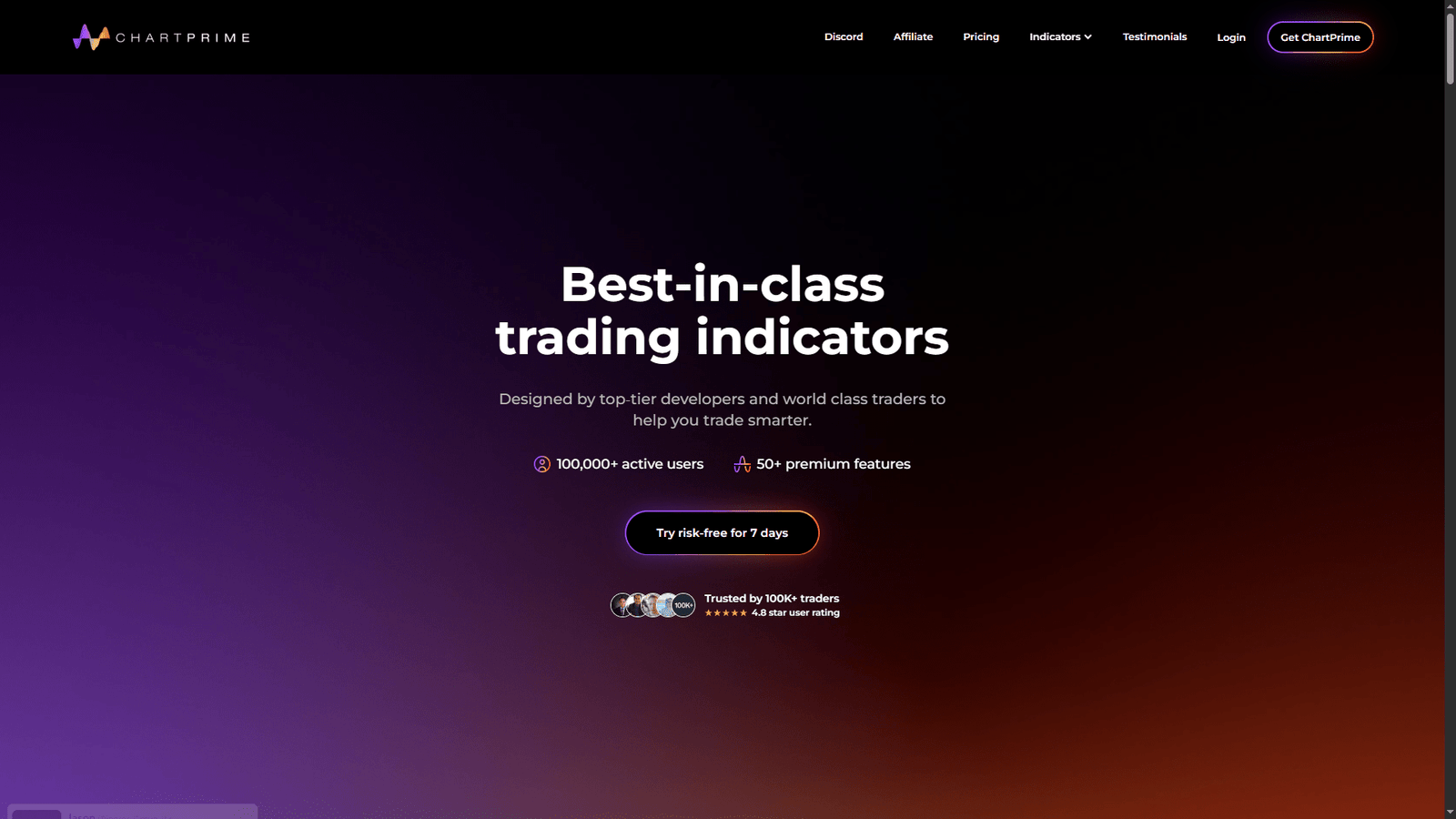
ChartPrime promises to do just that. It is a premium suite of indicators designed specifically for TradingView, aiming to simplify technical analysis by combining complex data into clean, actionable visual signals. Whether you are a day trader scalping Bitcoin or a swing trader looking at stocks, ChartPrime claims to offer the professional-grade tools you need.
Today on maing.space, I am reviewing ChartPrime to see if it lives up to the hype, who it is actually for, and if it is worth the investment.
What is ChartPrime?
ChartPrime is a software provider that builds advanced trading indicators and algorithms that function directly within the TradingView platform.
Founded in early 2022, the company distinguishes itself by moving away from “lagging” indicators (like basic Moving Averages) and focusing on “zero-lag” or predictive algorithms. Their team includes experts in digital signal processing, which allows them to create tools that supposedly react faster to market changes than standard default indicators.
The core value proposition is simple: they do the heavy lifting of mathematical analysis and present it to you as simple “Buy” or “Sell” signals, dynamic support zones, and institutional order blocks.
Key Features & Toolkits
ChartPrime isn’t just one indicator; it is a massive library. However, their offering is generally broken down into a few powerful “Toolkits” that you get access to.
1. The Market Oracle
This is their flagship trend-following tool. It is designed to tell you when to enter and when to exit.
- Trend Signals: It prints clear “Buy” and “Sell” labels on your chart. These aren’t just random; they are often filtered by a “consensus” of underlying algorithms to reduce false signals.
- Predictive Ranges: Instead of drawing manual support and resistance lines, this feature projects dynamic ranges onto your chart, showing you where price is likely to bounce or break out.
- Trend Definition: It colors the candles (green for uptrend, red for downtrend, purple/grey for consolidation), so you can instantly see the market phase without squinting.
2. Market Dynamics Pro
For traders who prefer Smart Money Concepts (SMC), this toolkit is a game-changer. It visualizes institutional trading activity.
- Order Blocks: Automatically highlights zones where institutions have likely placed large orders. These act as powerful magnets for price.
- Fair Value Gaps (FVG): Identifies imbalances in the market that price often returns to fill.
- Break of Structure (BOS) & Change of Character (CHoCH): These labels help you identify when a trend is officially reversing based on market structure, not just momentum.
3. Prime Oscillators
This suite replaces your standard RSI or MACD. It uses advanced momentum calculations to spot Divergences (where price goes up but momentum goes down) much earlier than traditional tools, often signaling a top or bottom before it happens.
4. The Screener
If you trade crypto or stocks, you know the pain of flipping through 50 charts to find a setup. The ChartPrime screener allows you to scan multiple assets instantly to find which ones are triggering a “Buy” signal or hitting a support zone right now.
Pros and Cons
Is it perfect? No tool is. Here is my honest breakdown.
Pros:
- Visual Clarity: The biggest selling point. It turns a messy chart into a clean, easy-to-read dashboard. The “Green means Go, Red means Stop” aesthetic is great for quick decision-making.
- Versatility: Whether you trade SMC (Smart Money), Trend Following, or Reversal strategies, they have a specific tool for you.
- Time-Saving: The automatic plotting of support/resistance and order blocks saves hours of manual charting every week.
- Strong Community: Their Discord is very active, with professional traders sharing setups and support staff who actually answer questions.
- Works on All Assets: I’ve tested it on Forex, Crypto (Bitcoin/Altcoins), and Stocks, and the logic holds up across all markets.
Cons:
- Subscription Cost: Unlike free TradingView indicators, this is a paid service. For a beginner with a small account, the monthly fee might be a hurdle.
- Learning Curve: While the signals are simple, the settings menus are deep. You can tweak “sensitivity” and “strictness,” which might overwhelm a total newbie who just wants to click a button.
- Repainting Misconceptions: Like all indicators, some “predictive” features might adjust as a candle closes. You must wait for a candle to close to confirm a signal, which requires discipline.
Who Should Use ChartPrime?
- The “struggling” intermediate trader: If you know the basics but struggle with consistency or “analysis paralysis,” ChartPrime helps simplify your decision-making process.
- Scalpers & Day Traders: The speed of the signals makes it ideal for lower timeframes (15m, 5m, 1m) where manual analysis is too slow.
- Crypto Traders: The volatility of crypto is handled very well by their “Market Oracle” algorithm.
Conclusion
ChartPrime is not a “magic button” that prints money. You still need to practice risk management and trading psychology. However, as a piece of software, it is undoubtedly one of the most polished and comprehensive indicator suites on the market today.
If you are tired of drawing manual lines and guessing where the trend is going, ChartPrime acts like a GPS for the markets—it won’t drive the car for you, but it will definitely show you the best route.
Ready to upgrade your charts? Check out the link above.
For more trading tech reviews, keep following maing.space.
